
AI Canvas for Image Creation
Talk through a direction, then bring your references and generated images onto an infinite canvas. Move them around, compare them side by side and select anything you want to build on. Your creative context stays with your work.
Turn this idea into a cover image.
Let's find the right direction, then create it.
From chat to canvas
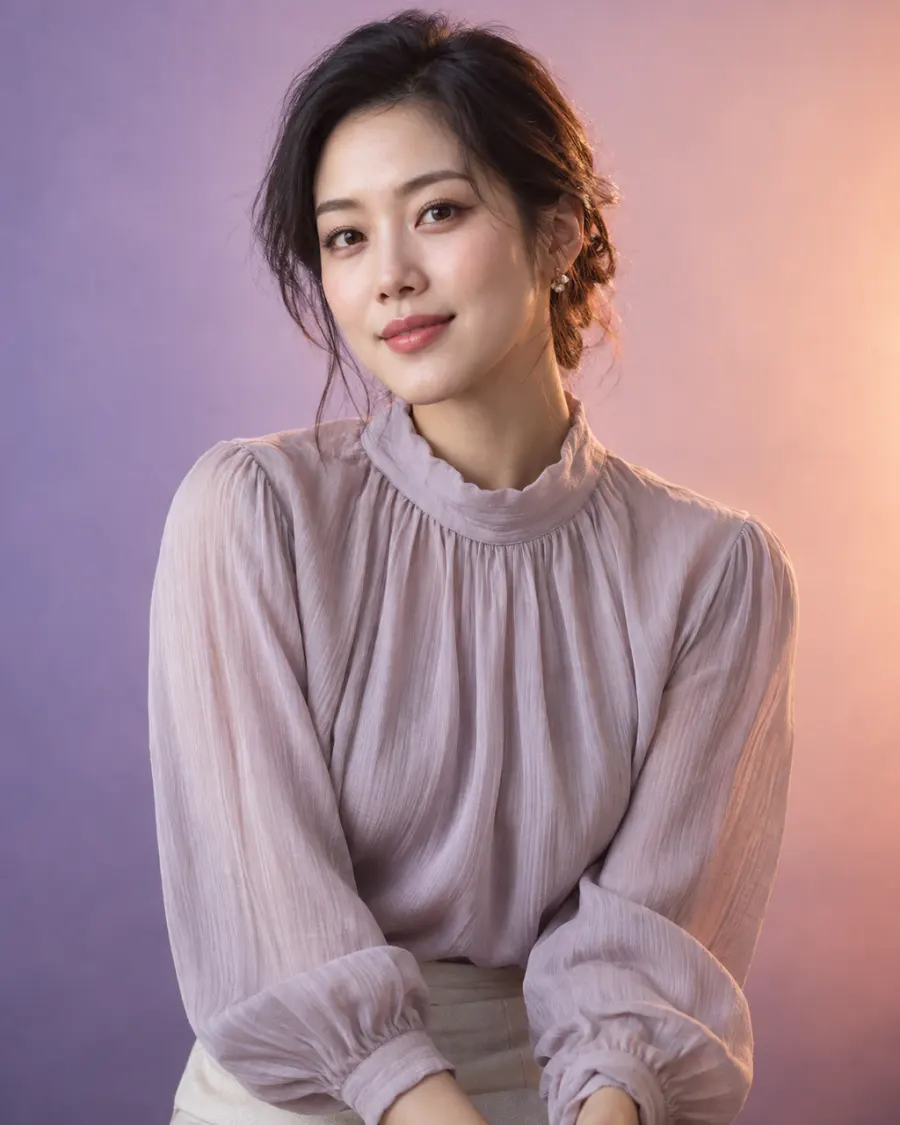 Reference image
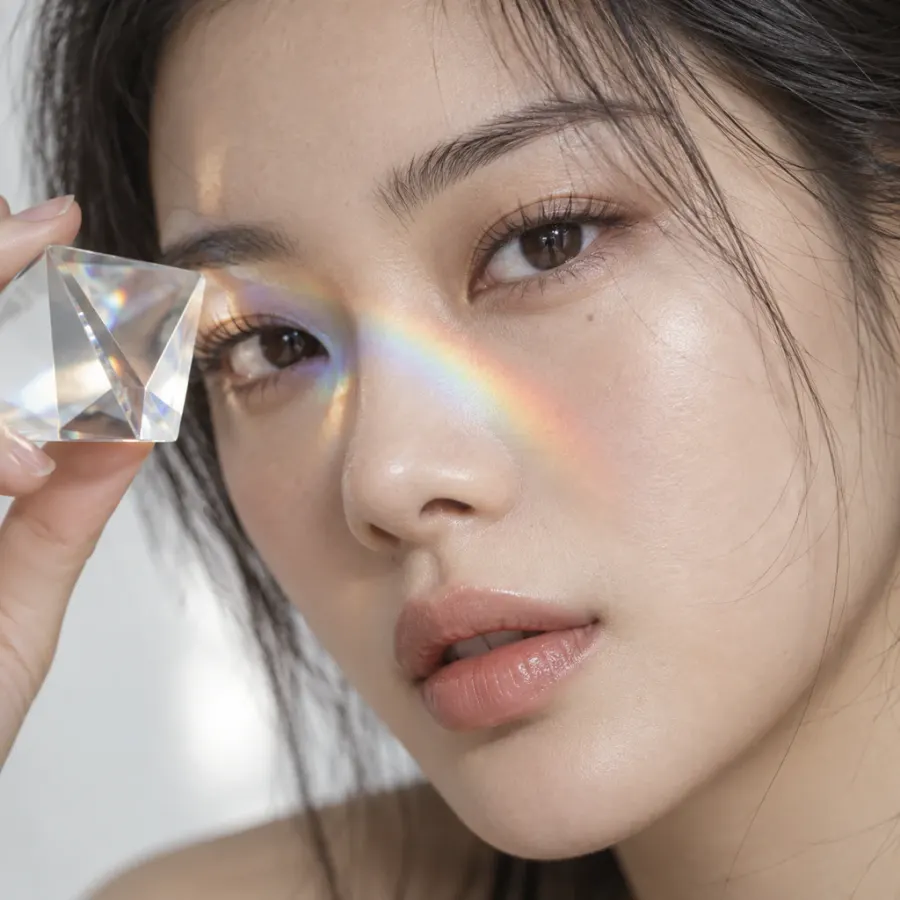 Your creations
Turn this idea into a cover image.
In this demo: Send images from a conversation to the canvas as individual assets.
How it works
- Describe what you're making, the style you want and anything that should stay the same.
- Send images or text to the canvas and arrange them however you like.
- Select the assets you want to use, then continue the conversation in the canvas composer.
What you can use it for
Explore portraits, brand covers and visual concepts side by side. Keep the discussion and the images together, without repeatedly downloading and uploading your work.
What to keep in mind
Use the canvas to organize assets and creative context. It isn't a vector design tool and doesn't provide editable text layers or print production files.