
Batch AI Image Generation and Design Series
Tell the Bot what you need for brand covers, social posts or product visuals. Review the image list, then generate each one. Use the Design series skill to plan ahead, or simply ask for multiple images.
Create images for all these ideas.
Use one consistent style. Generate each image separately.
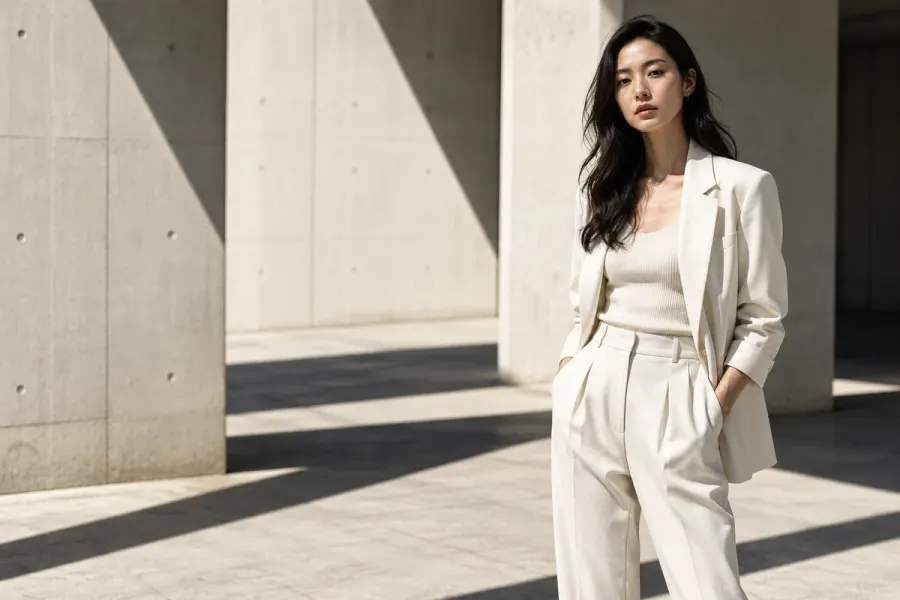 01
01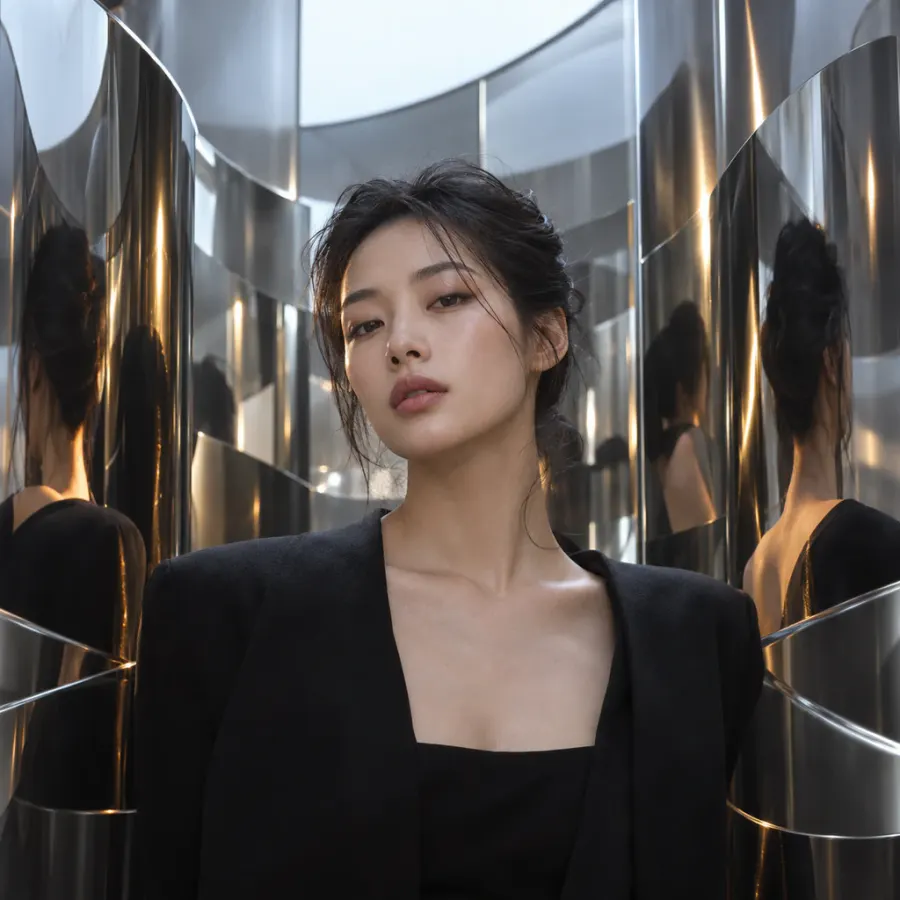 02
02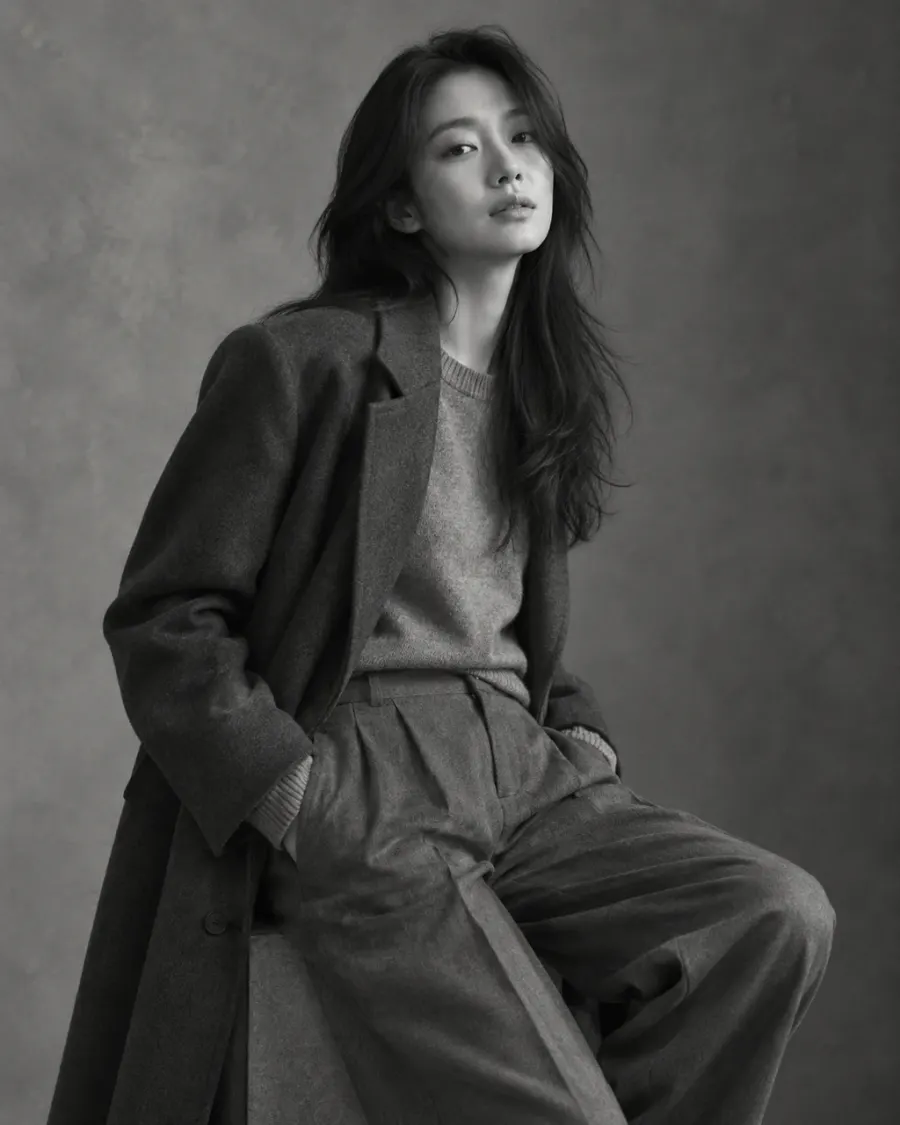 03
03In this demo: Watch the series take shape, then compare images for different uses on the same canvas.
How it works
- Describe each image you need, or ask the Bot to plan a shared visual direction first.
- Say “create all of these” to build on your discussion, then review the image list.
- Confirm the list once, then follow each image as it generates. Handle any unfinished images individually.
What you can use it for
Create brand cover series, social posts and product visuals. Each image has its own prompt and output, and you can generate variations of the same idea to compare.
What to keep in mind
Images are generated one at a time, not all at once, and each uses credits. A shared style and references help keep the series consistent, but details may still vary.