
AI Image Library and Project Assets
Keep your images organized, not scattered across downloads. Find them by conversation in Creations & assets, return to their source to keep editing, and reuse images from the same project as references.
Bring these images together.
Your references, versions and images, all within reach.
Creations & assets
Portrait photography Design series
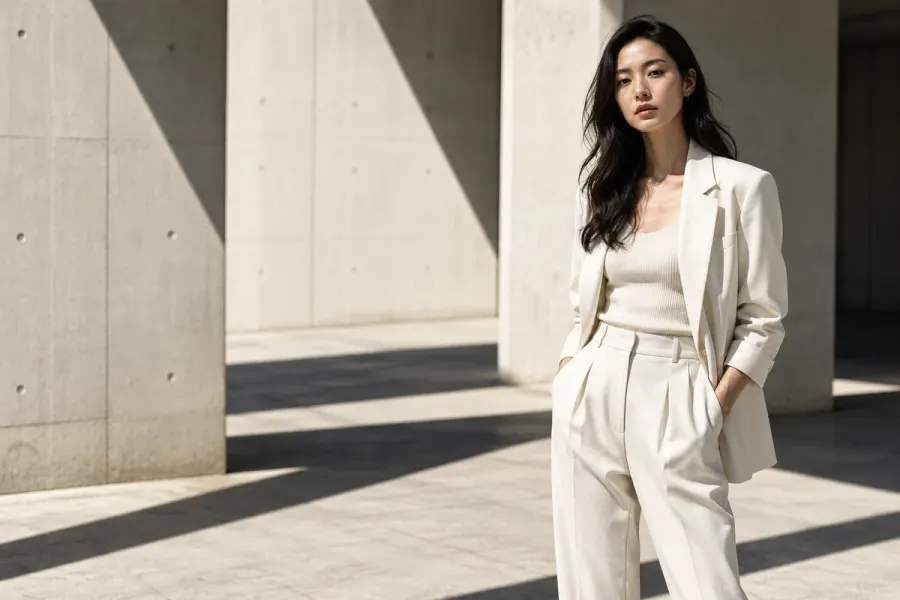 01
01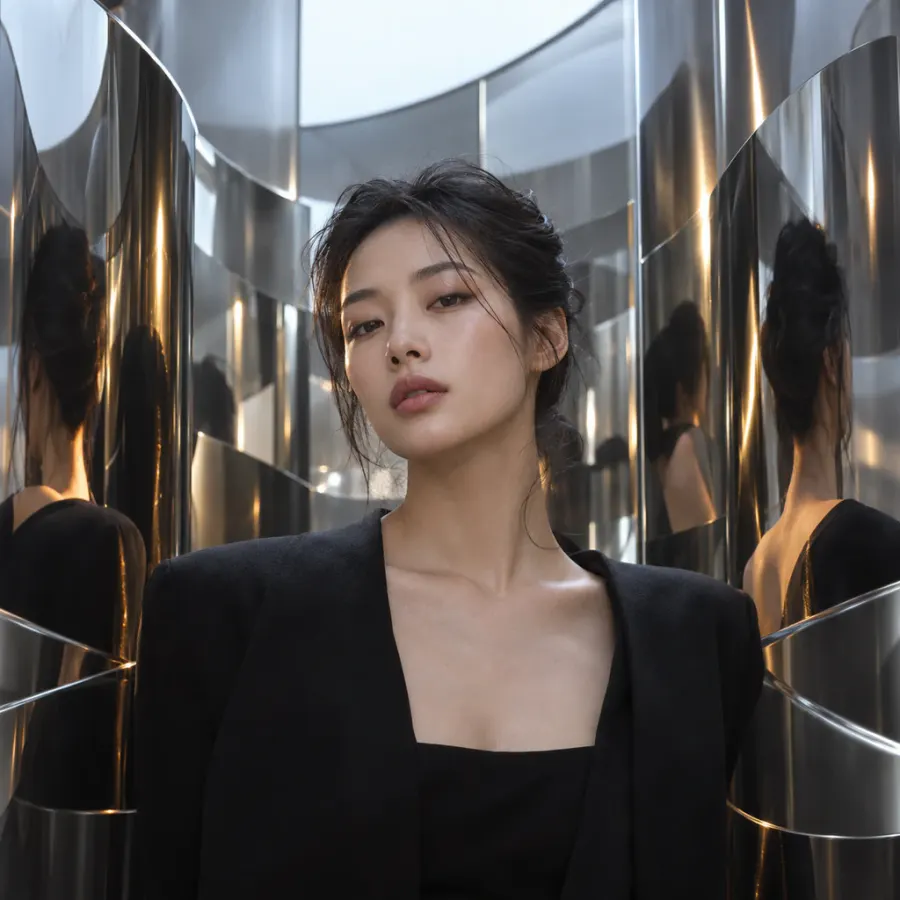 02
02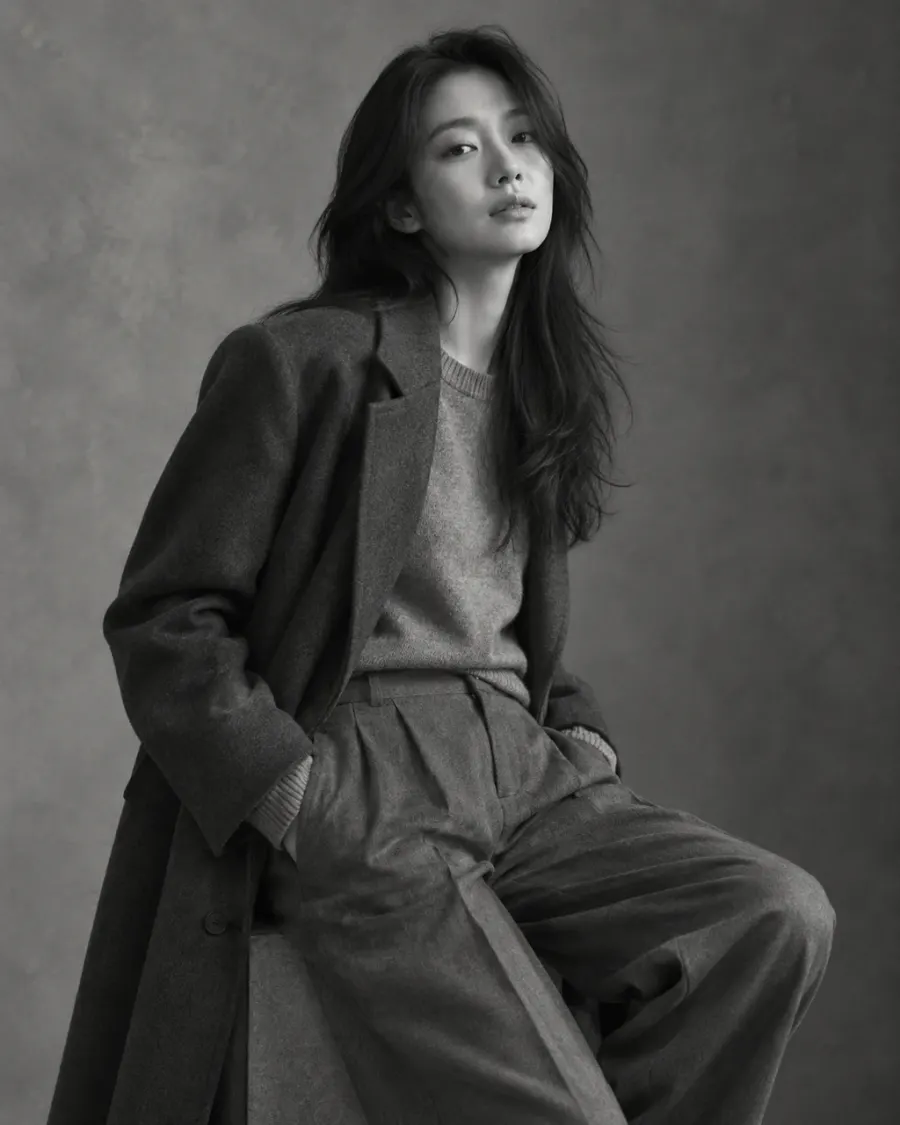 03
03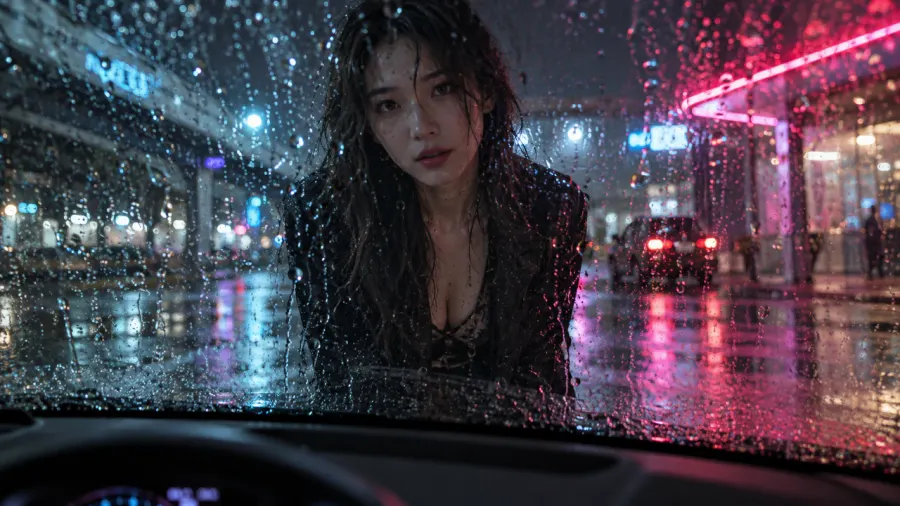 04
04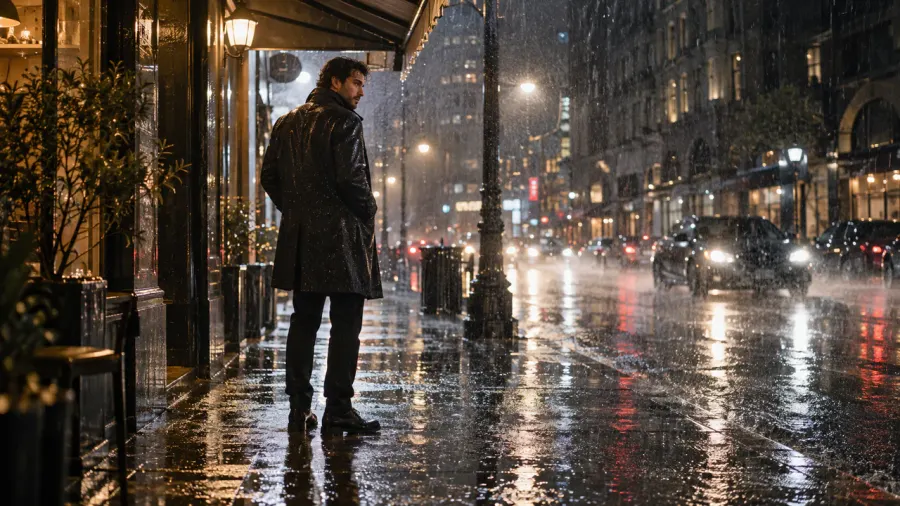 05
05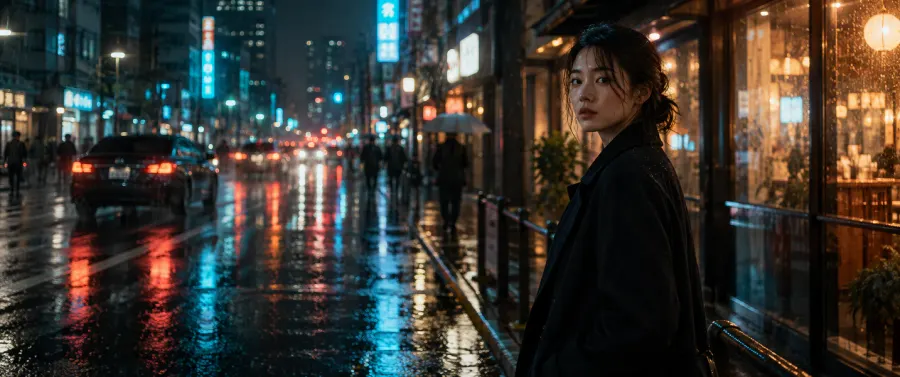 06
06In this demo: Open Creations & assets to see the images from this conversation.
How it works
- Start a conversation for your creative project and link it to a project if needed.
- In Creations & assets, filter by conversation to preview or download your images.
- Return to the source to keep editing, or use another image from the same project as a reference.
What you can use it for
Keep building on the same brand, shoot or campaign. Your assets, images and creative history stay organized, so you spend less time searching through downloads.
What to keep in mind
This version is designed for a personal studio. You can't invite other people into conversations. Organizing assets does not, by itself, provide team collaboration or cloud backups across devices.