
AI Image Editing and Version Comparison
Select an area and describe what you'd like to change—its background, colors or other details. No need to rewrite the whole prompt. Keep the original and edited versions side by side to decide what comes next.
Change only the background. Keep the person as they are.
Create a new version and keep the original.
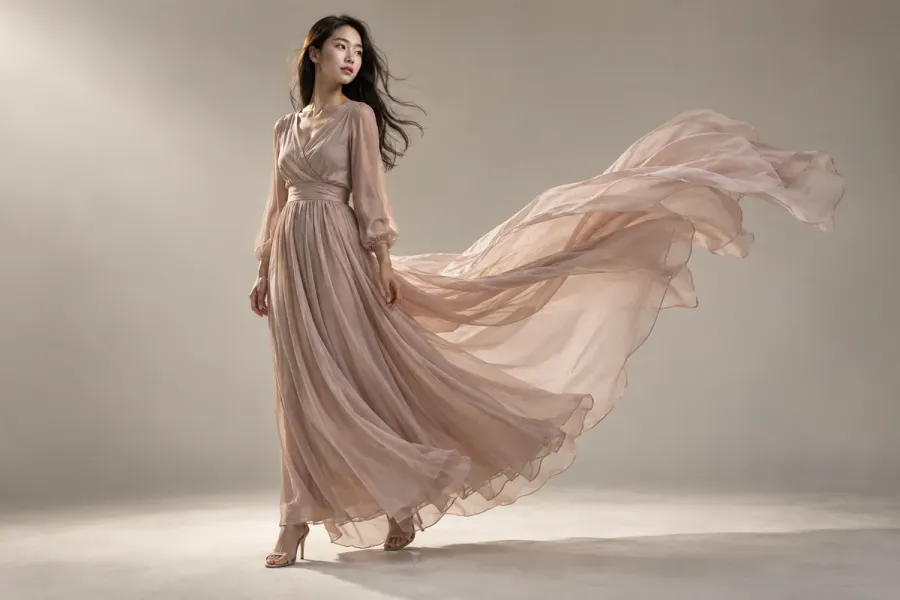 Original
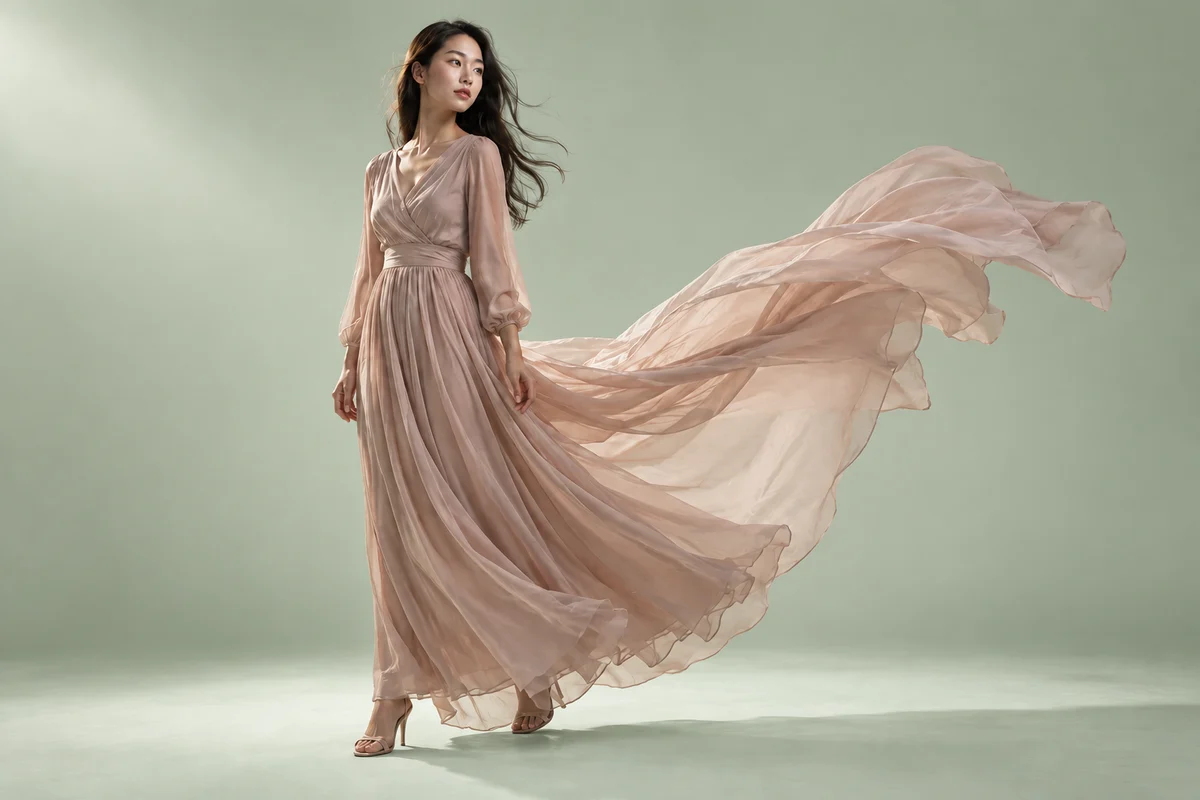 Edit selected area
In this demo: Select the background in the editing panel and describe the color you want.
How it works
- Select an image, then choose to edit the whole image or just a selected area.
- Select an area and describe the background, colors or elements you want to change.
- Create a new version, compare it with the original and decide whether to keep refining it.
What you can use it for
Refine a cover background, a product image's mood or a small visual detail. Each edit keeps both the version and your instructions, making it easier to compare and choose.
What to keep in mind
The selection guides the model, but areas outside it may also change. It doesn't lock pixels in place. Check faces, text and product details in the result.