
AI image templates: discover, choose and adapt in chat
Browse the library or get suggestions based on your topic. Use a selected template’s composition, colors and texture with your own subject and copy. You can also skip templates and keep talking.
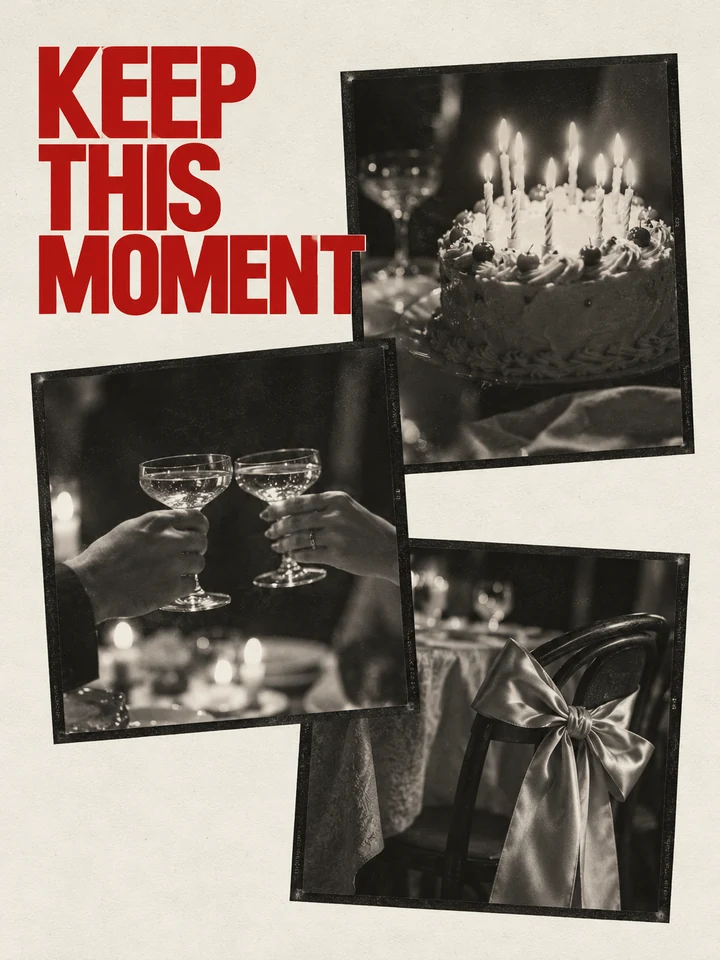
Find a starting point for a birthday poster.
 Use template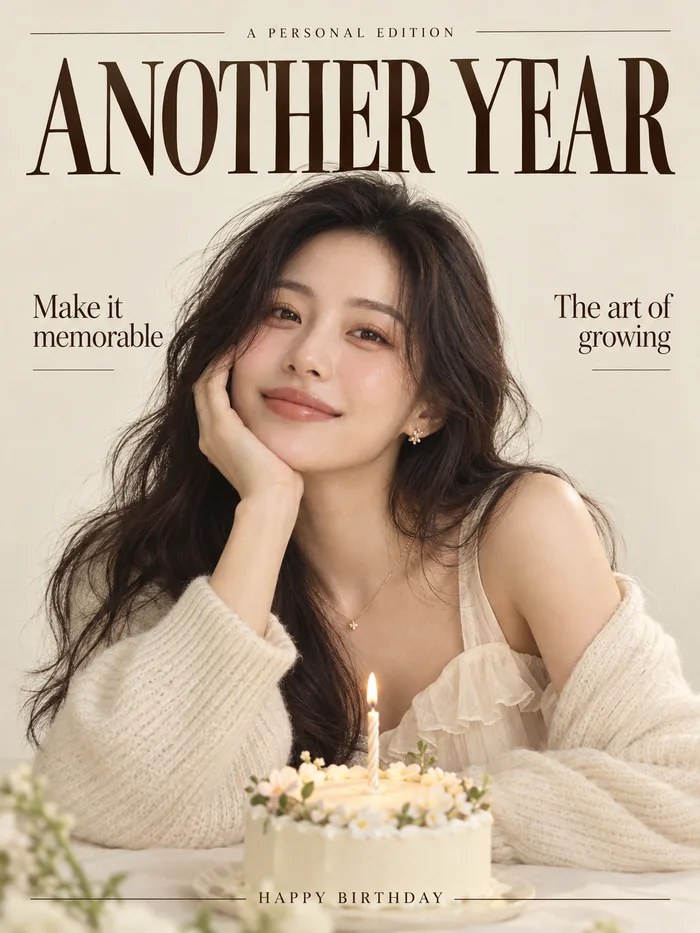
In this demo: Explore birthday styles and choose a template as the starting point.
How it works
- Browse by category, style or occasion, or describe your theme in chat.
- Choose a direction and provide your photos, product, copy and desired changes.
- Use the template as a reference for this task, then refine the result in chat or on the canvas.
What you can use it for
Find inspiration or adapt a composition you already like. A template can guide the style while your own material supplies the subject.
What to keep in mind
Templates are visual references, not editable design files or pixel-exact copies. People, ages and copy shown in examples are not treated as your personal details.
Frequently asked questions
Should I use a template or a skill?
Choose a template for a visual style you like. Choose a skill to help structure an article or topic into visuals. Neither is required to chat and generate images.